Share knowledge with feeds
This guide shows how to share the knowledge of a case with other people or tools through a feed: a URL, protected by a secret, serving the entities or the detection rules of the case. Feeds are managed in the Feeds workspace. The formats and the authentication of feeds are described in Feeds.
Share entities
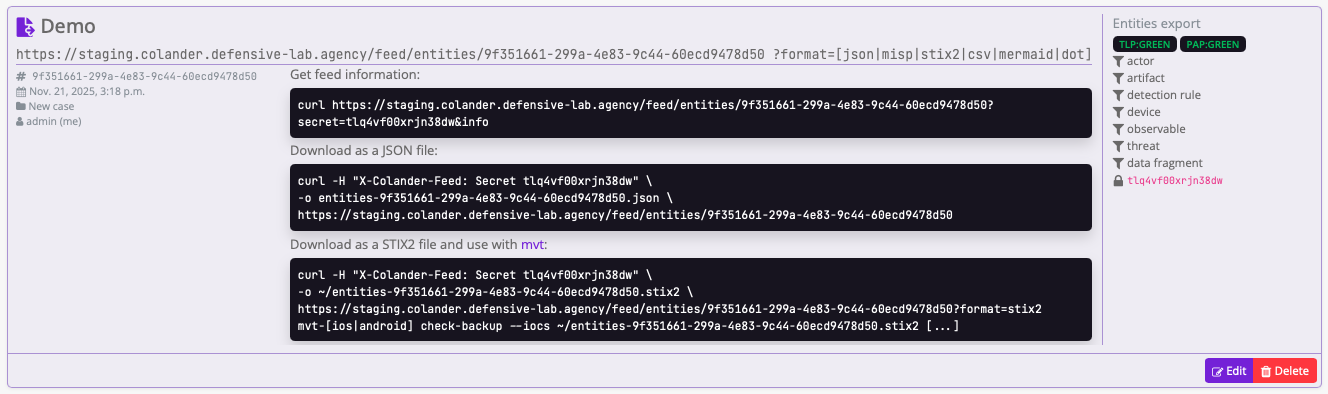
Create an entity feed:
- choose a meaningful name and description
- select the types of entities you want to share
- set the maximum level of confidentiality
As an example, if you select TLP:AMBER, the entities with higher TLP level won't be shared.
Once created, the feed is served at its URL. Give the URL and the secret of the feed to the people who need it. They choose the format with the format query parameter, see Formats.
Your MISP organization name (Orgc) and its UUID (Orgc UUID) are required to enable feed conversion to MISP.
Share detection rules
Create a detection rule feed:
- choose a meaningful name and description
- select the types of rules you want to share
- set the maximum level of confidentiality
As an example, if you select TLP:AMBER, the entities with higher TLP level won't be shared.
Once created, the feed is served at its URL and provides all the detection rules combined into a single text file.
Share knowledge in your own format
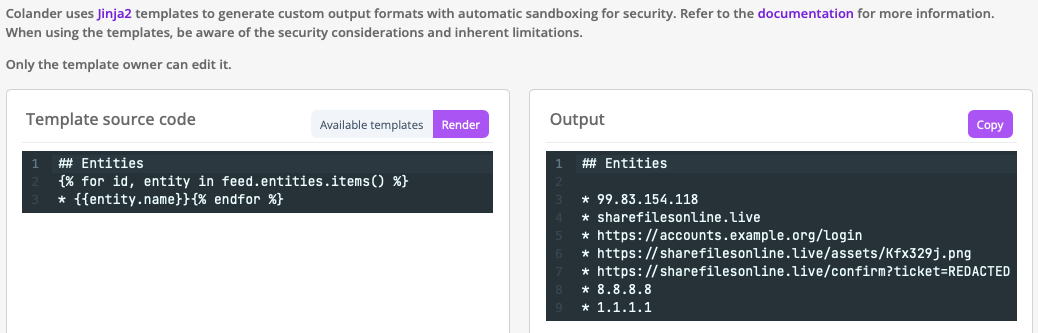
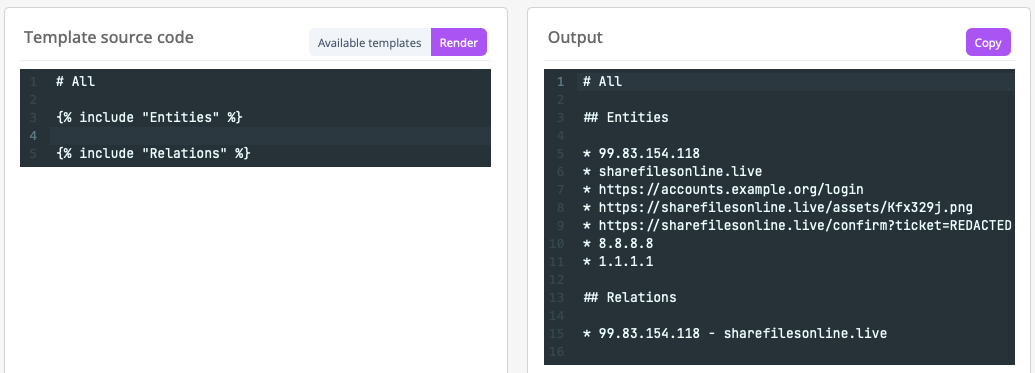
Colander supports template-based feeds. It uses Jinja to render user-defined templates Feed templates. Templates are rendered in a security sandbox which prevents them from accessing Python functions.
The template context exposes the variable feed which contains all entities stored in your case. Find examples of templates on GitHub or check the documentation to learn more about the data structure.
Colander does not filter entities based on their confidentiality level.