Create entities
This guide shows the different ways to create entities in a case, and how to add custom attributes to them. Each way offers a different level of detail.
Create an entity
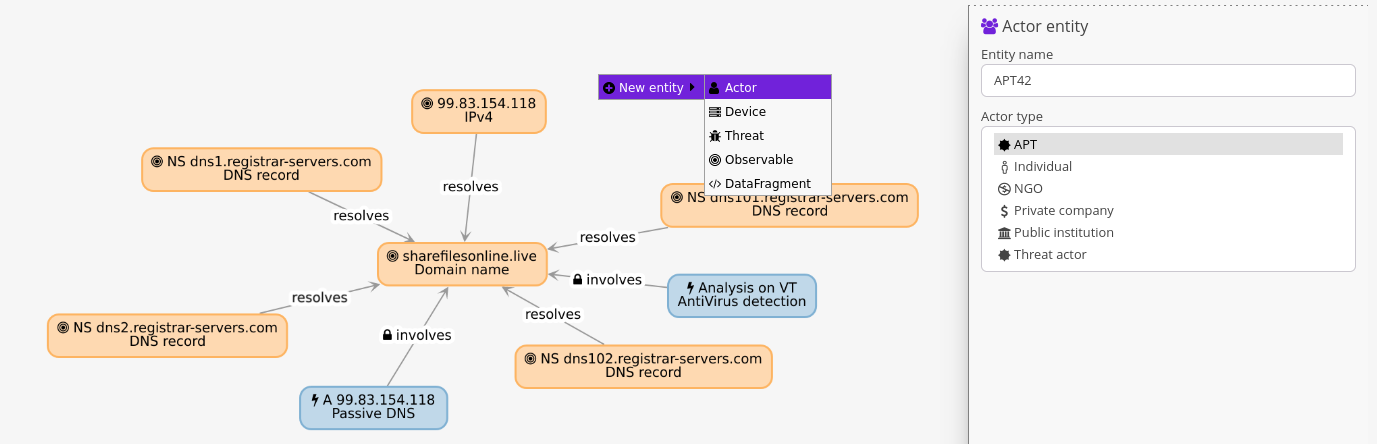
From the graph
Users can create new entities, one at a time, directly from the knowledge graph.
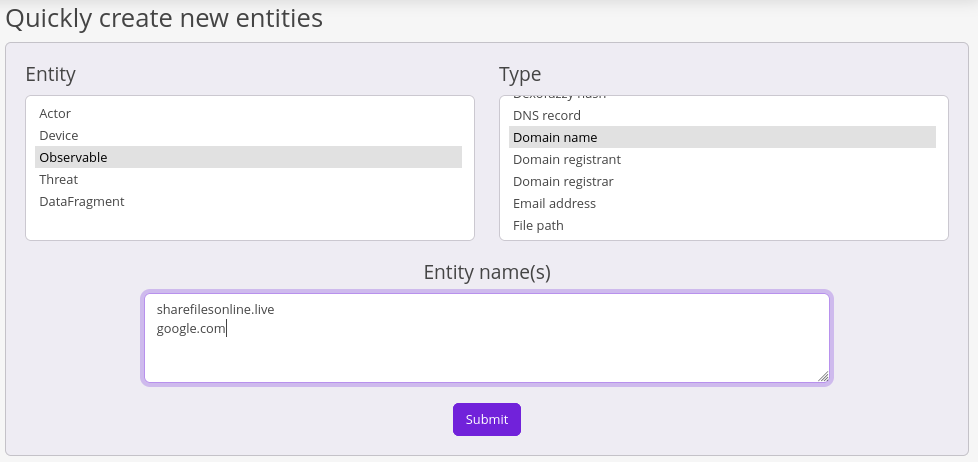
Several at once, from the Collect workspace
Users can create new entities, multiple at the same time, directly from the Collect workspace.
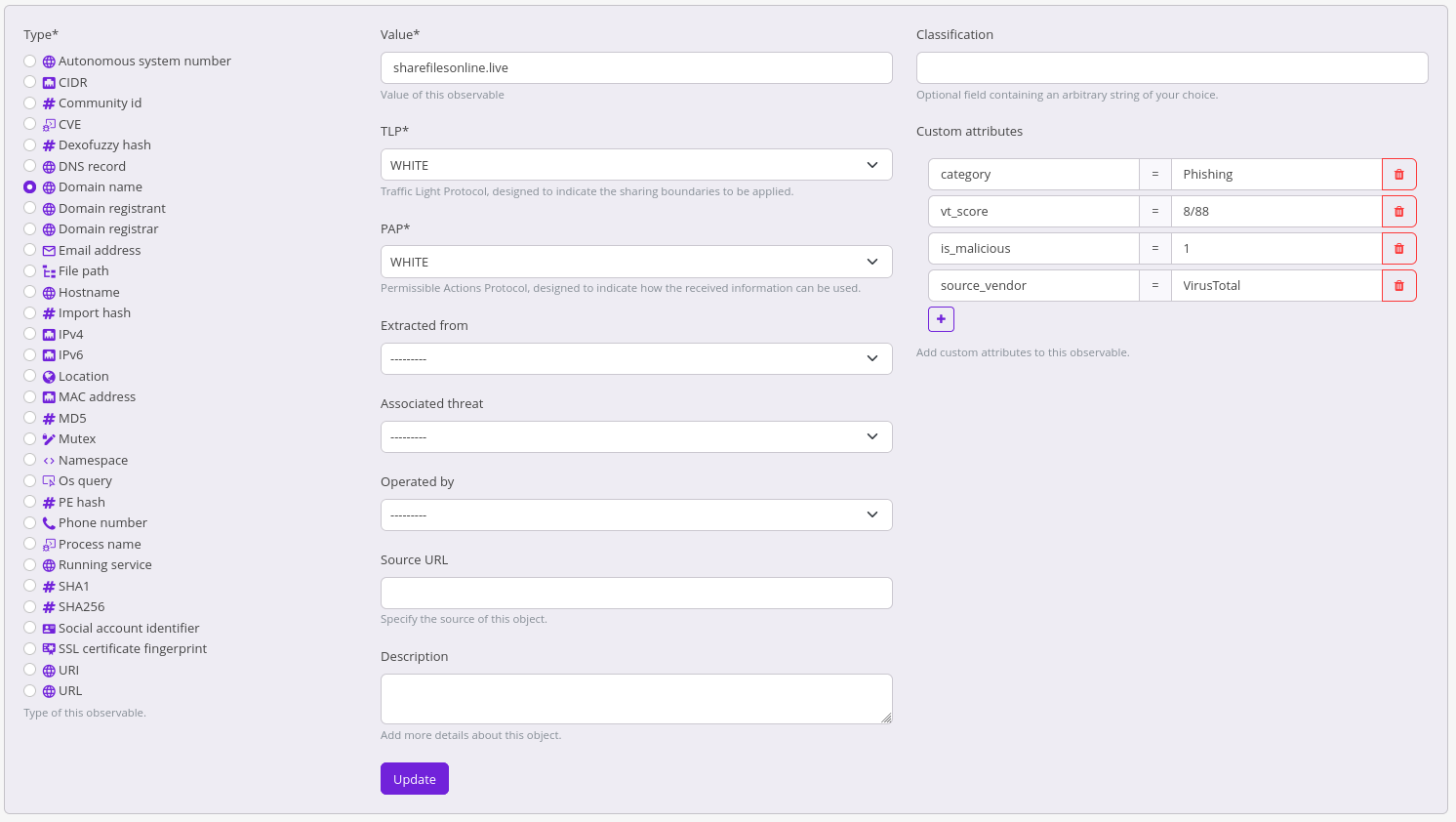
With the entity creation form
Finally, users can create new entities, one at a time, using the different entity creation forms available in the Collect workspace. This way is the one offering the higher level of details.
With the REST API
See the Python client.
Add custom attributes
You can add custom attributes to entities of type:
- Artifact
- Device
- Observable
- Event
Some sub-types such as IP v4 come with a set of suggested attributes such as address block or asn.
Entities that were imported or enriched from the Investigate workspace usually come with additional attributes extracted from external services.
Entity attributes are exported in feeds along with the all the other information about the entity they belong to.
The available types of entities and their relationships are described in Entity types.