Share a case with a team
In Colander, cases are shared with teams: a team is the only way to give other users access to a case. This guide shows how to create a team, add contributors to it, and share a case with it.
Create a team
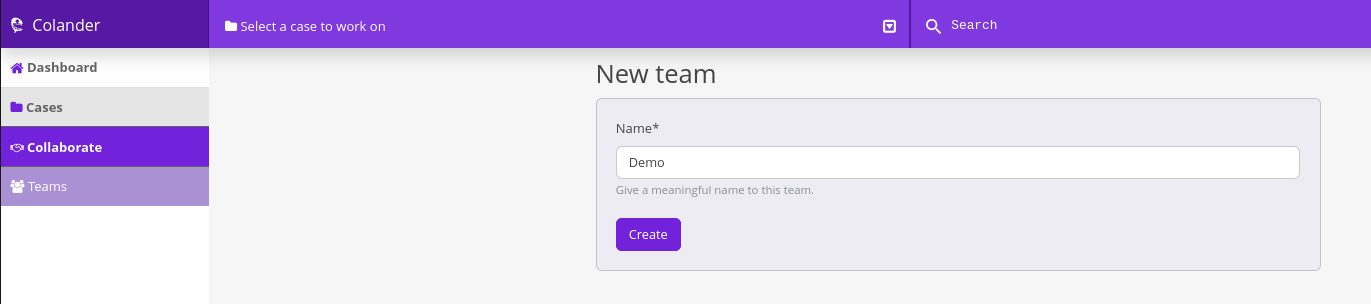
Go to Colander > Collaborate > Teams and give the team a name.
Add contributors
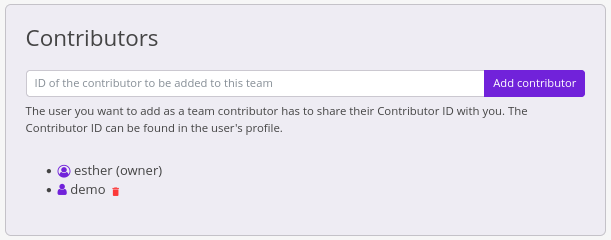
Once the team is created, click Details to add a contributor. Since a Colander instance can host multiple users from different organizations, users cannot search for another user by their name. Instead, the owner of the team has to ask other users for their Contributor ID. This way, they are free to decide whether they want to share their ID or not. The Contributor ID can be found in user's profile.
Only the owner of the team can:
- edit the team
- delete the team
- add or remove contributors
Share the case
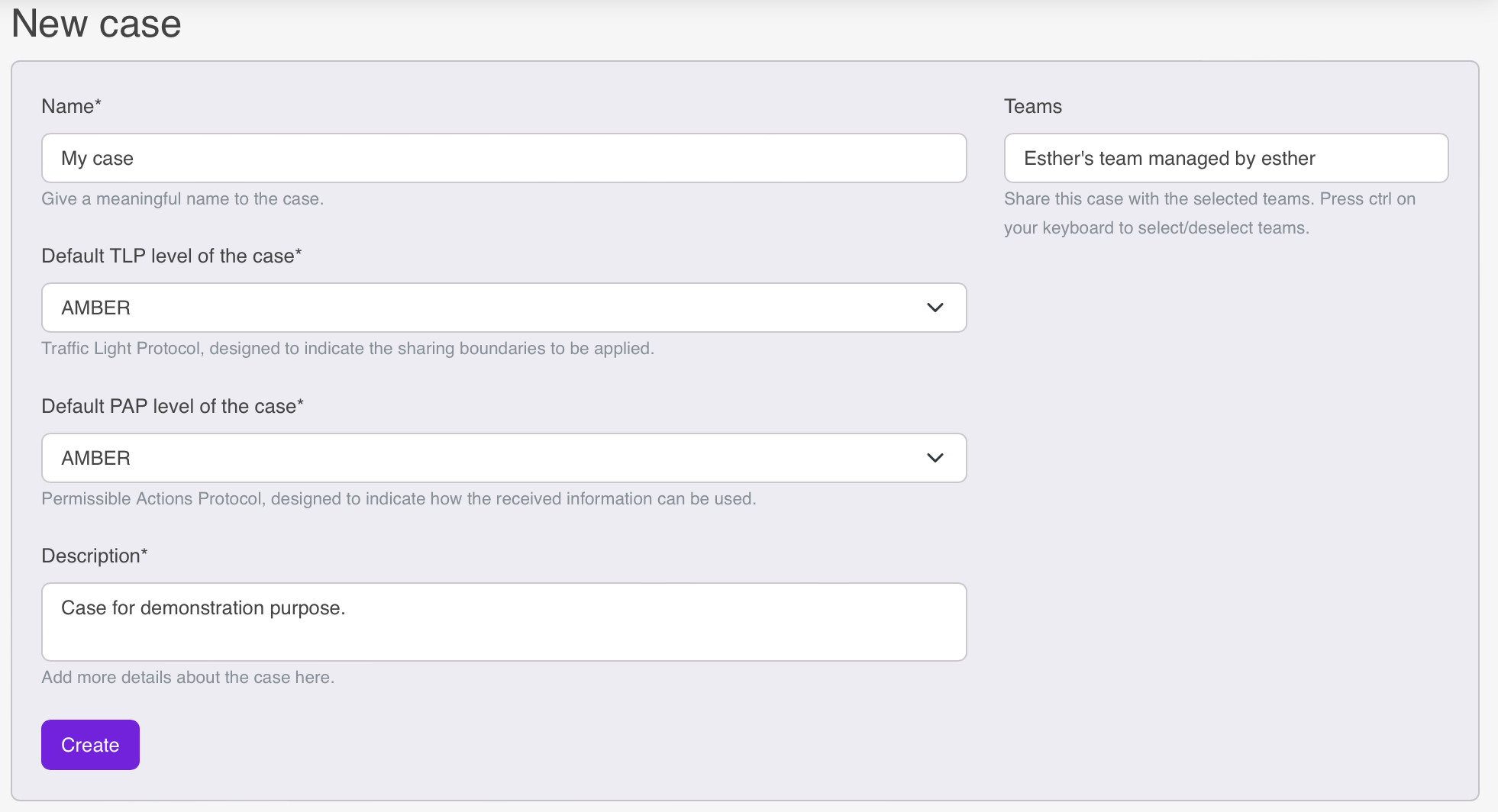
Only the owner of a case can share it with a team they are either owner or contributor. To share a case with one or multiple teams, simply edit the case and select/deselect the teams you want to share the case with.